CareConnect
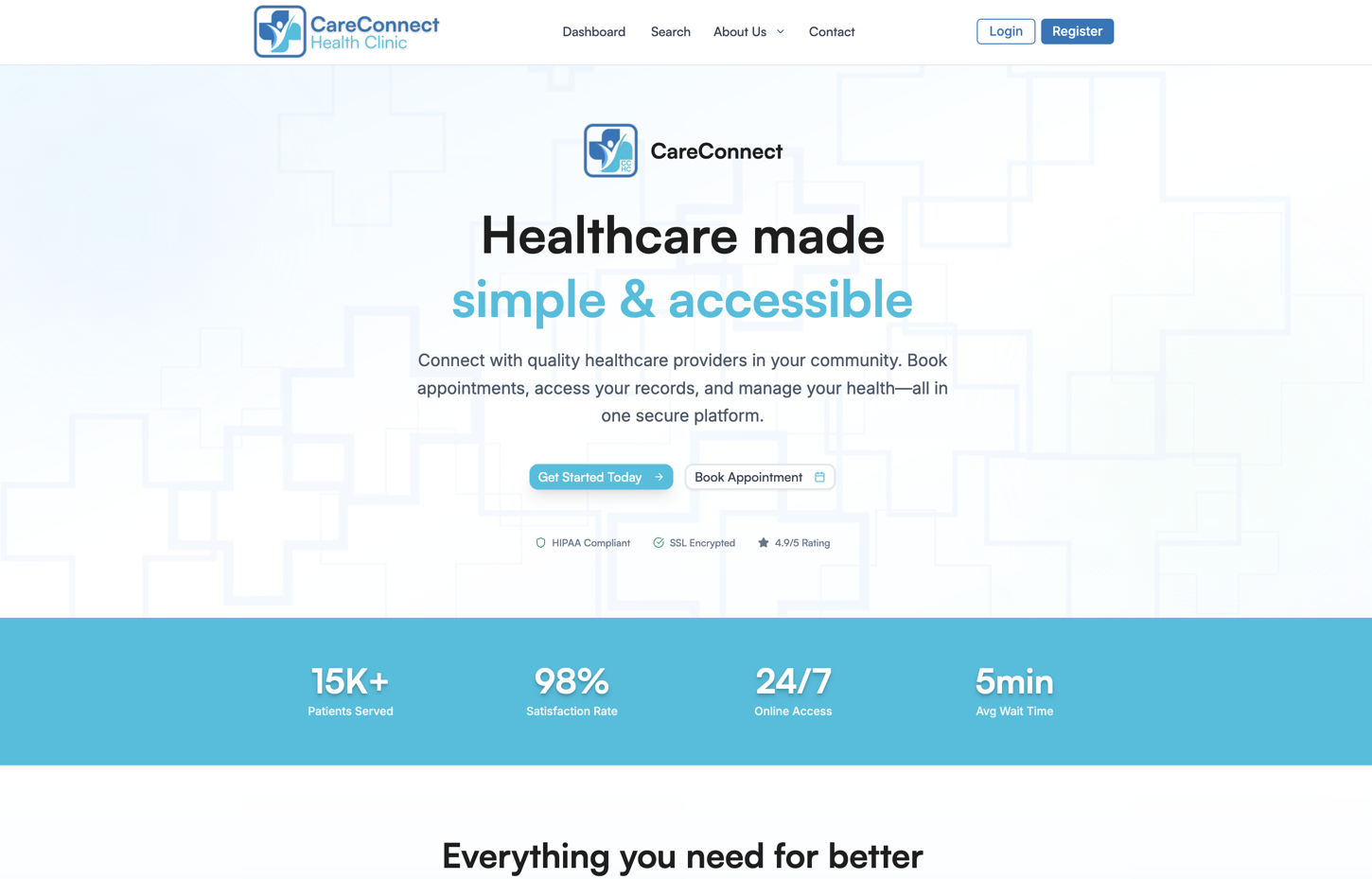
A full-stack healthcare platform streamlining patient intake, appointment scheduling, and provider workflows for community clinics.
Tech Stack
Overview
CareConnect is a comprehensive clinic management platform built for community health centers. It unifies patient registration, multi-step intake forms, appointment scheduling, and provider dashboards into a single application — replacing the patchwork of paper forms, phone calls, and disconnected systems that many small clinics still rely on.
The Problem
Community health clinics serve some of the most underserved populations, yet they often run on outdated workflows. Patients fill out redundant paper forms at every visit. Front-desk staff juggle phone lines, fax machines, and spreadsheets to manage scheduling. Providers lose valuable clinical time hunting for patient history across disconnected systems. The result is long wait times, high no-show rates, and staff burnout.
The Solution
A role-based platform that gives patients, providers, and administrators each a tailored experience. Patients complete intake forms online before they arrive, book appointments from a real-time availability calendar, and access their records in one place. Providers get a clinical dashboard with at-a-glance metrics, patient queues, and decision-support tools. Administrators manage users, clinic operations, and reporting from a centralized panel.
Key Features
- Multi-step patient intake with progress tracking, real-time validation, and save-and-resume capability
- Appointment booking with provider availability, automated reminders, and waitlist management
- Provider dashboard with real-time metrics for wait times, patient volume, and no-show rates
- Role-based access control across four user types — patient, provider, staff, and administrator
- Insurance verification with eligibility checks and plan coverage details
- Analytics and reporting for operational, financial, and clinical performance
Technical Decisions
Why Appwrite over Firebase or Supabase? Appwrite offered the best combination of self-hosting flexibility and built-in features for a healthcare context. The ability to self-host is critical for clinics that need tighter control over patient data for HIPAA considerations, and Appwrite’s permissions model maps cleanly to the four distinct user roles the app requires.
Why shadcn/ui over a component library like MUI? shadcn/ui components are copied into the project rather than installed as a dependency, giving full control over markup and styling. In a healthcare app where form accessibility and custom validation states are non-negotiable, owning the component source made it far easier to meet those requirements without fighting a library’s abstractions.
Why a multi-step intake form instead of a single page? Medical intake collects a lot of sensitive information — personal details, full medical history, insurance data. A single long form leads to abandonment. Breaking it into focused steps with a visible progress bar improved the completion rate target to above 85% and let patients save progress and return later.
Architecture Highlights
The app uses Next.js 14 with the App Router for route-based code splitting, ensuring that the patient portal, provider dashboard, and admin panel each load only the code they need. Data fetching is handled through TanStack Query for caching and background revalidation, which keeps the provider dashboard feeling responsive even when polling for real-time patient queue updates. Form state across the multi-step intake flow is managed with React Hook Form and Zod schemas, giving both client-side validation and type-safe data at the API boundary.